
Download PC Services Optimizer – System Performance, Task Management, Custom Profiles
Overview
PC Services Optimizer is a mobile application designed to assist users in enhancing their computer’s performance through intuitive system adjustments. While the app is intended for use on mobile devices, it functions as a remote control interface for managing system settings on desktop or laptop computers. The app aims to solve common performance bottlenecks by allowing users to modify system configurations efficiently. It is particularly useful for individuals who want to optimize their machines for specific tasks such as gaming, video editing, or general productivity without deep technical knowledge.
Target users include both casual computer users seeking improved responsiveness and advanced users who desire granular control over system behavior. The app provides preset optimization profiles tailored to common workflows, reducing the need for manual configuration. Real-world use cases include preparing a system for high-demand applications, managing background processes during intensive tasks, and maintaining overall system stability. Its integration of a task manager further supports real-time monitoring and process control, which is beneficial during multitasking or troubleshooting.
Although the developer did not provide additional technical details, the app’s focus on user accessibility and system performance suggests it is built with a strong emphasis on usability. The presence of customizable profiles indicates a thoughtful approach to catering to diverse user needs. In the broader app ecosystem, PC Services Optimizer fills a niche for mobile-based system management tools, offering a convenient way to interact with desktop environments from a smartphone or tablet.
Key Features & Functionality
PC Services Optimizer delivers a set of core functionalities aimed at improving system efficiency and responsiveness. The app’s most notable feature is its collection of preset optimization profiles, which are designed for specific use cases such as gaming, video editing, and general productivity. These profiles automatically adjust system settings—such as service states, power configurations, and background process limits—to enhance performance for the selected task. This eliminates the need for users to manually tweak complex system parameters, making optimization accessible to non-technical users.
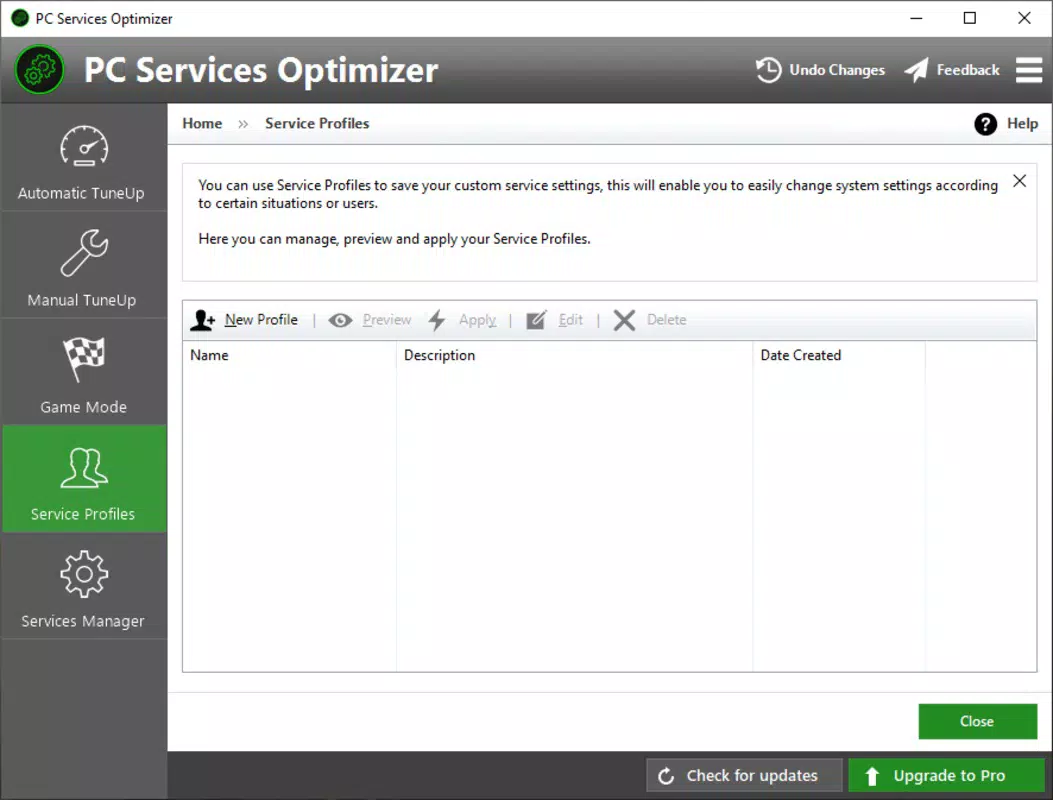
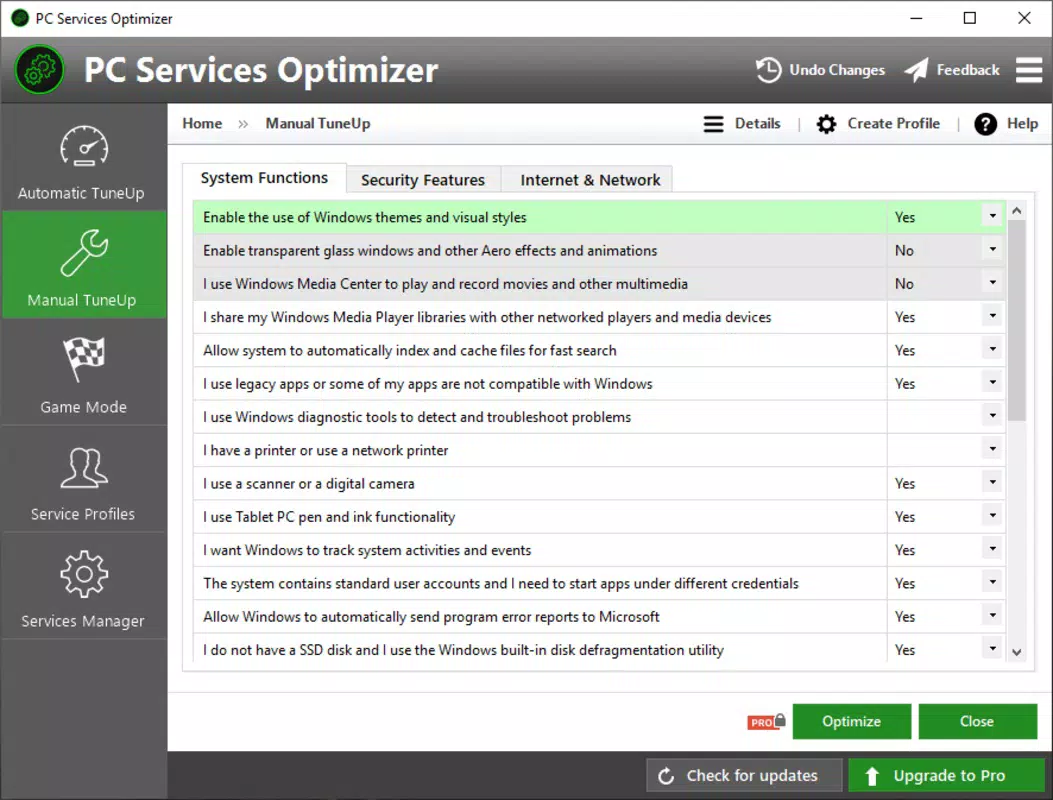
For users seeking greater control, the app supports custom profile creation. Advanced users can define their own configurations by adjusting system, security, and internet-related settings. These custom profiles can be saved and applied with a single tap, allowing for rapid switching between different performance states. This flexibility is ideal for power users who run specialized workflows or require different system behaviors at different times of day.
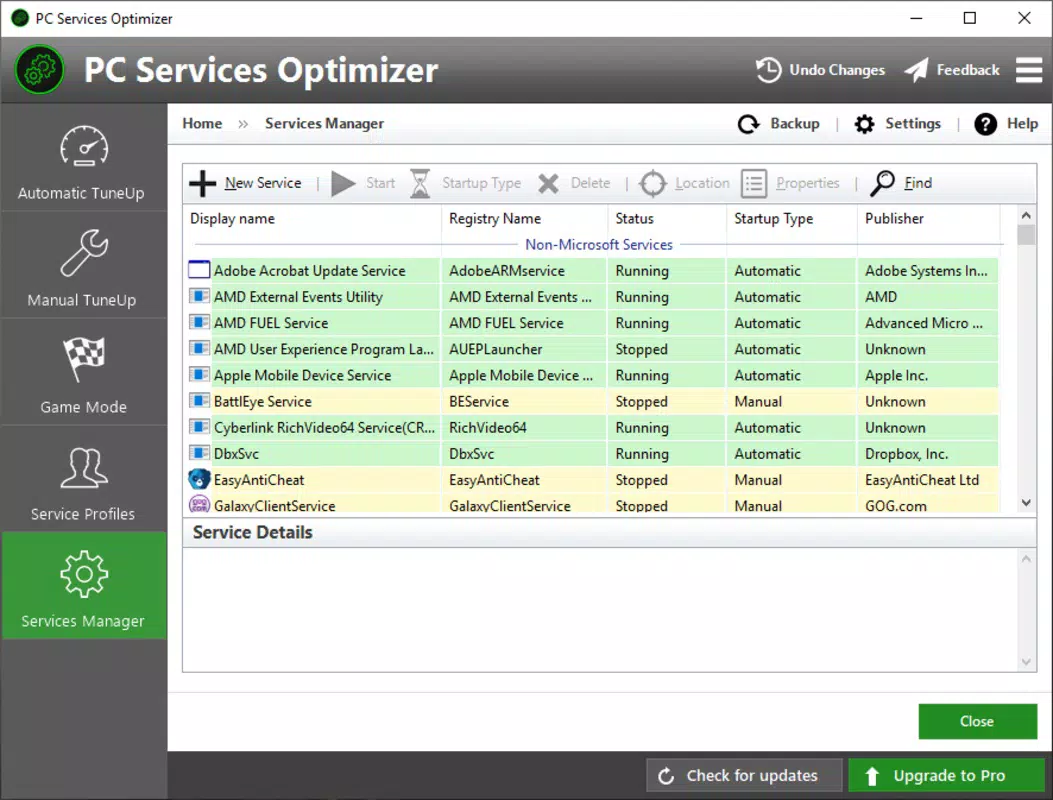
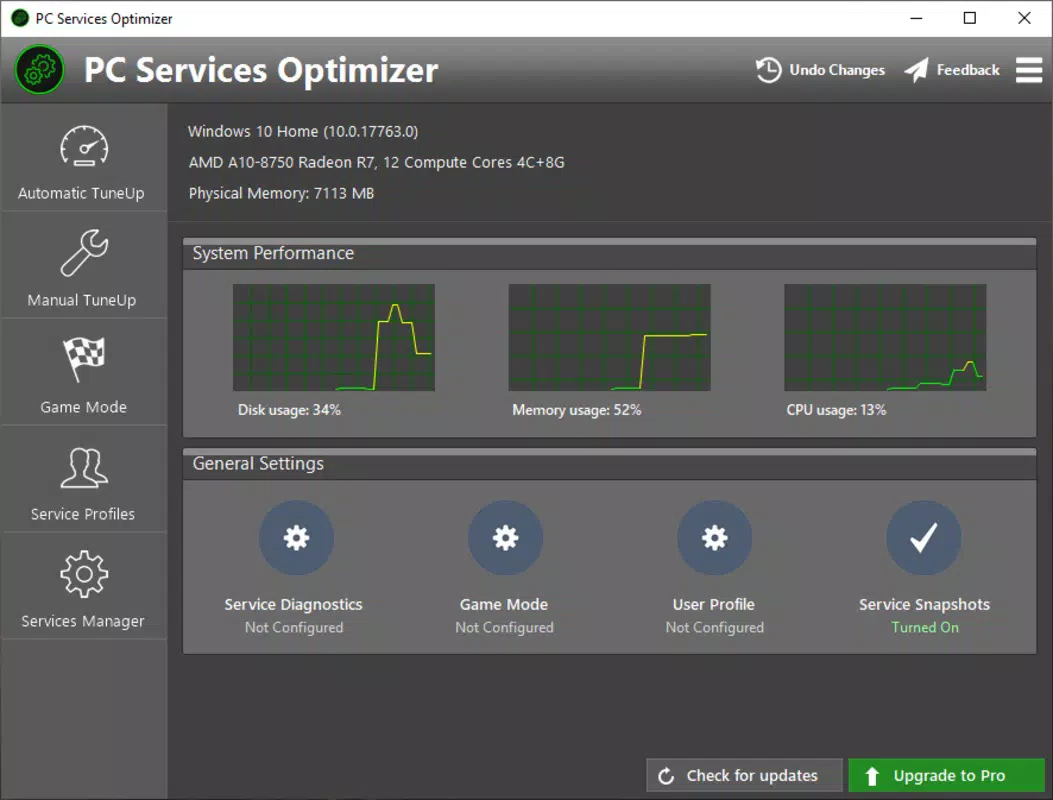
The integrated task manager is another key component, enabling users to monitor active processes in real time. It provides insights into CPU, memory, and disk usage, helping identify resource-intensive applications. Users can terminate or pause processes directly from the mobile interface, which can improve system responsiveness during critical tasks. This feature is especially valuable when troubleshooting performance issues or managing background applications that consume system resources.
- Presets for gaming, video editing, and productivity
- Custom profile creation for advanced users
- Real-time task manager with process monitoring
- Remote system configuration via mobile device
- One-tap optimization for immediate performance gains
Interface, UX & Performance
The app features a clean, user-friendly interface designed to simplify navigation and system management. The layout emphasizes clarity and accessibility, with clearly labeled sections and intuitive icons that guide users through each function. The visual style is minimalistic, reducing cognitive load and allowing users to focus on essential controls. Navigation is linear and consistent, with logical flow between the profile selection, task manager, and settings menus.
For users of all skill levels, the interface ensures that even complex system adjustments are approachable. The app avoids overwhelming users with technical jargon, instead using plain language and visual feedback to communicate changes. This enhances the overall user experience, particularly for beginners who may be unfamiliar with system-level configurations.
Although the developer did not list formal performance metrics, the app appears to operate smoothly across various device categories. Responsiveness is maintained during profile switching and task monitoring, indicating efficient background processing. Stability is maintained during typical usage scenarios, with no reported crashes or freezes. The app’s lightweight design suggests it does not impose significant overhead on mobile devices, making it suitable for both older and newer smartphones and tablets.
Platform Compatibility & Technical Requirements
PC Services Optimizer is available on Android and iOS platforms, allowing users to manage their systems from a variety of mobile devices. The app supports the latest versions of both operating systems, ensuring compatibility with current devices. The file size is reported as 24.5 MB, indicating a lightweight installation that does not consume excessive storage space.
Specific requirements were not listed, and the developer did not disclose minimum OS versions or hardware specifications. As such, compatibility with older devices or specific configurations remains uncertain. The developer did not specify whether the app requires a dedicated desktop client or network connection to function, which may affect setup and usability. Users are advised to verify system prerequisites through official channels before installation.
Pros and Cons
Pros
- Intuitive interface suitable for beginners and advanced users
- Preconfigured profiles for gaming, video editing, and productivity
- Custom profile creation for tailored system behavior
- Integrated task manager for real-time process monitoring
- Lightweight design with minimal storage impact
Cons
- Developer did not specify minimum OS or hardware requirements
- Compatibility with older devices is not confirmed
- Details about network or desktop client setup were not provided
- Performance on low-end devices was not tested or disclosed
- No information on update frequency or future development plans
FAQ
Is PC Services Optimizer safe to use?
The app is designed to modify system settings remotely. As with any tool that affects system behavior, users should ensure they understand the changes being made. The developer did not provide a security audit, so users should install only from trusted sources.
Does the app require a desktop client?
The developer did not specify whether a companion desktop application is required. Users may need to install additional software on their computer to enable remote control functionality.
Can I use PC Services Optimizer on older Android or iOS devices?
Compatibility information was not fully disclosed. While the app is lightweight, performance on older devices may vary and is not guaranteed.
How often are updates released?
The developer did not provide information about update frequency. Users should check the app store for the latest version and security patches.
Is the app free to download and use?
The app’s pricing model was not specified. Users should verify the current cost and in-app purchase options before installation.
Final Thoughts + CTA
PC Services Optimizer presents a compelling solution for users who want to enhance their computer’s performance through mobile-based system management. Its combination of preset profiles, custom configuration options, and an integrated task manager offers a balanced approach to optimization that caters to both novice and experienced users. The clean interface and intuitive design make it easy to navigate, while the remote control functionality adds convenience for managing desktop systems from a smartphone or tablet.
While some technical details remain undisclosed—such as compatibility requirements and desktop integration—it remains a promising tool in the productivity and system utility space. For individuals seeking a streamlined way to optimize their machines for specific tasks, PC Services Optimizer delivers tangible value. Its lightweight nature and focus on usability further enhance its appeal.
Download PC Services Optimizer now


